Is it really free?
Yes. During the beta every feature is free, with no account and no card. After the beta, the price
will be $15 USD a year, and we'll give plenty of notice before it ends.
Which platforms are supported?
macOS on Apple Silicon (M1 or newer), Windows 10 and 11 on x64, and Linux on x64: a .deb package
for Ubuntu, Debian and their derivatives, and an AppImage that runs on the other distributions.
How do I install it?
Each system has its own steps in Download. On Windows, get it from
the Microsoft Store: no warnings
and no administrator rights. While Alfa Git is in beta the macOS build is not notarized by Apple yet, so
macOS asks you to trust the app once (System Settings › Privacy & Security › Open
Anyway).
How do I update it?
On Windows, the Microsoft Store updates it. On Linux (and with the Windows .exe installer),
Alfa Git updates itself: it downloads new versions in the background and shows
Restart to update in the toolbar; it installs when you click it. On macOS it tells you
when a new version is out and brings you to this page to download it. If you fall several versions
behind, it asks you to update so you don't miss anything. You can also look now from Help ›
Check for Updates….
Do I need Git installed?
Yes — Git 2.30 or newer. The .deb depends on it, so apt installs it if it's missing. Alfa
Git uses your own Git, with your config, credentials and hooks, instead of shipping its own. Predicting
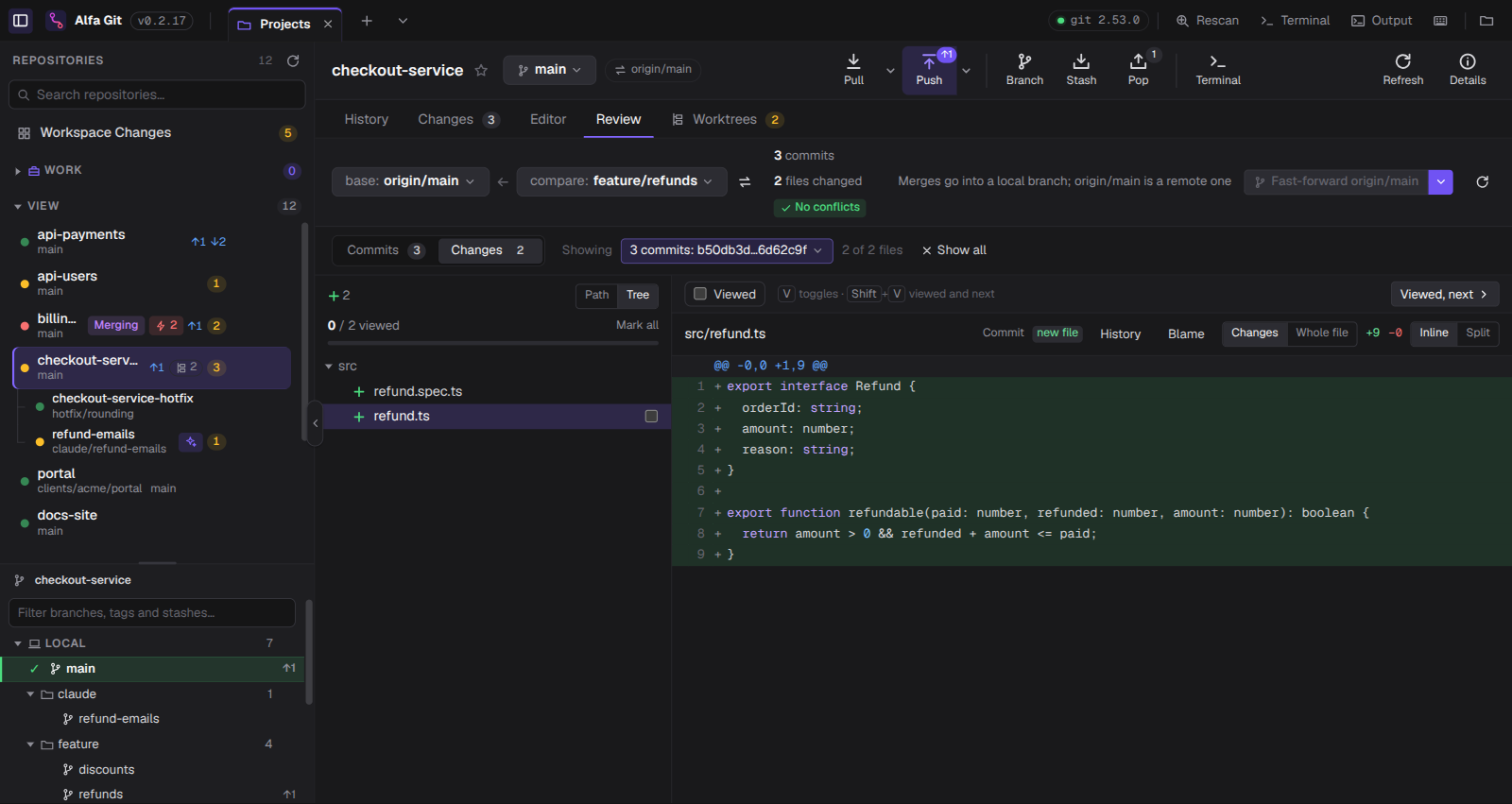
conflicts in Review needs Git 2.38 or newer; the rest works from 2.30.
Does my code leave my machine?
Not unless you ask. There's no account, no cloud sync and no telemetry. The network traffic is the Git
you ask for (fetch, pull and push to your own remotes) and the check for new versions on GitHub, which
sends nothing about you or your repositories. If you turn on commit messages with Codex
(off by default, per workspace), pressing Generate with Codex sends the staged changes to
the Codex installed on your computer, which sends them to OpenAI with your ChatGPT account.
What is a good Git client for managing many repositories at once?
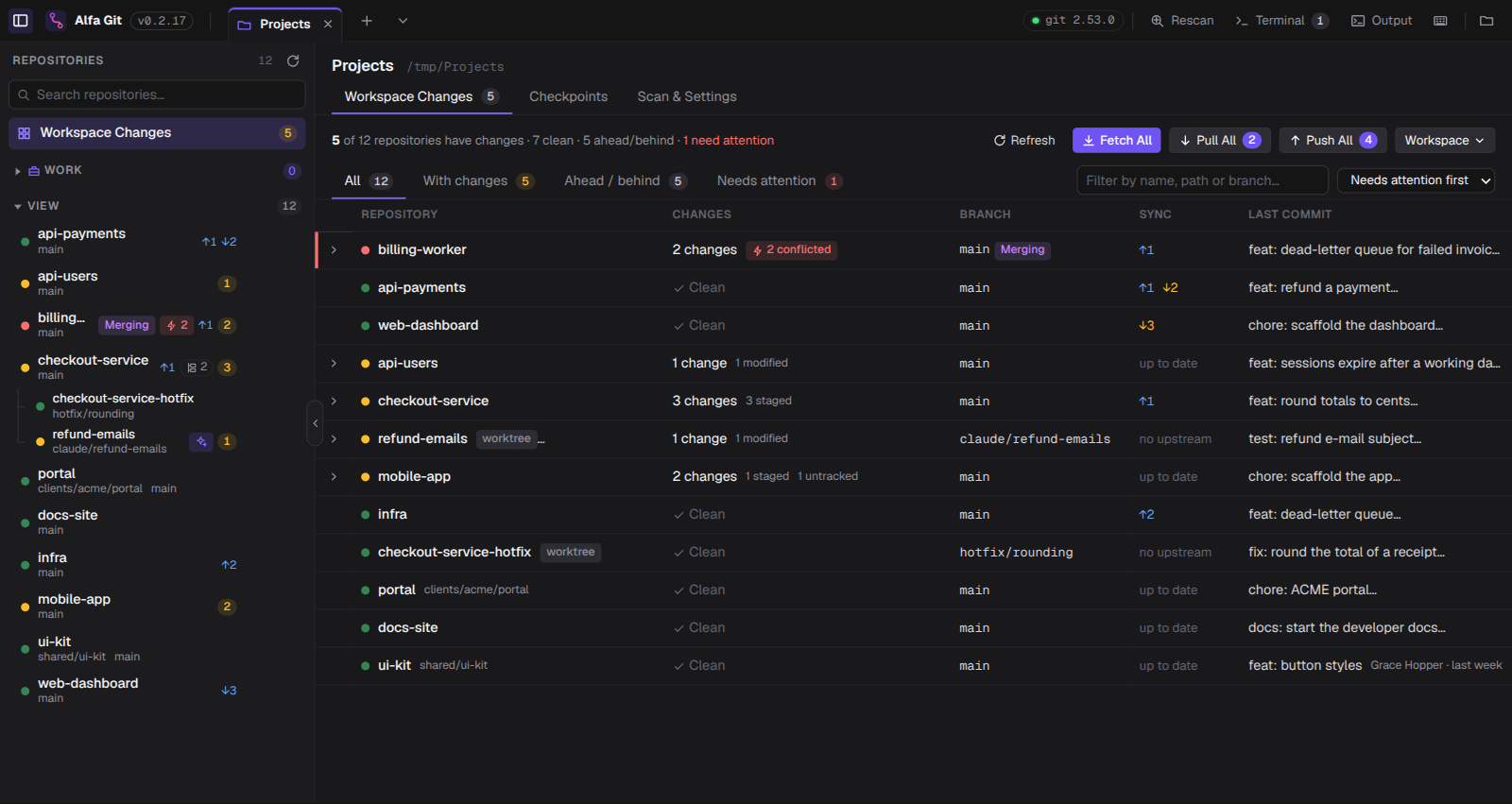
Alfa Git is built for exactly that. Open the folder where your repositories live (say
~/Projects, with services, libraries and apps) and it lists every repository inside —
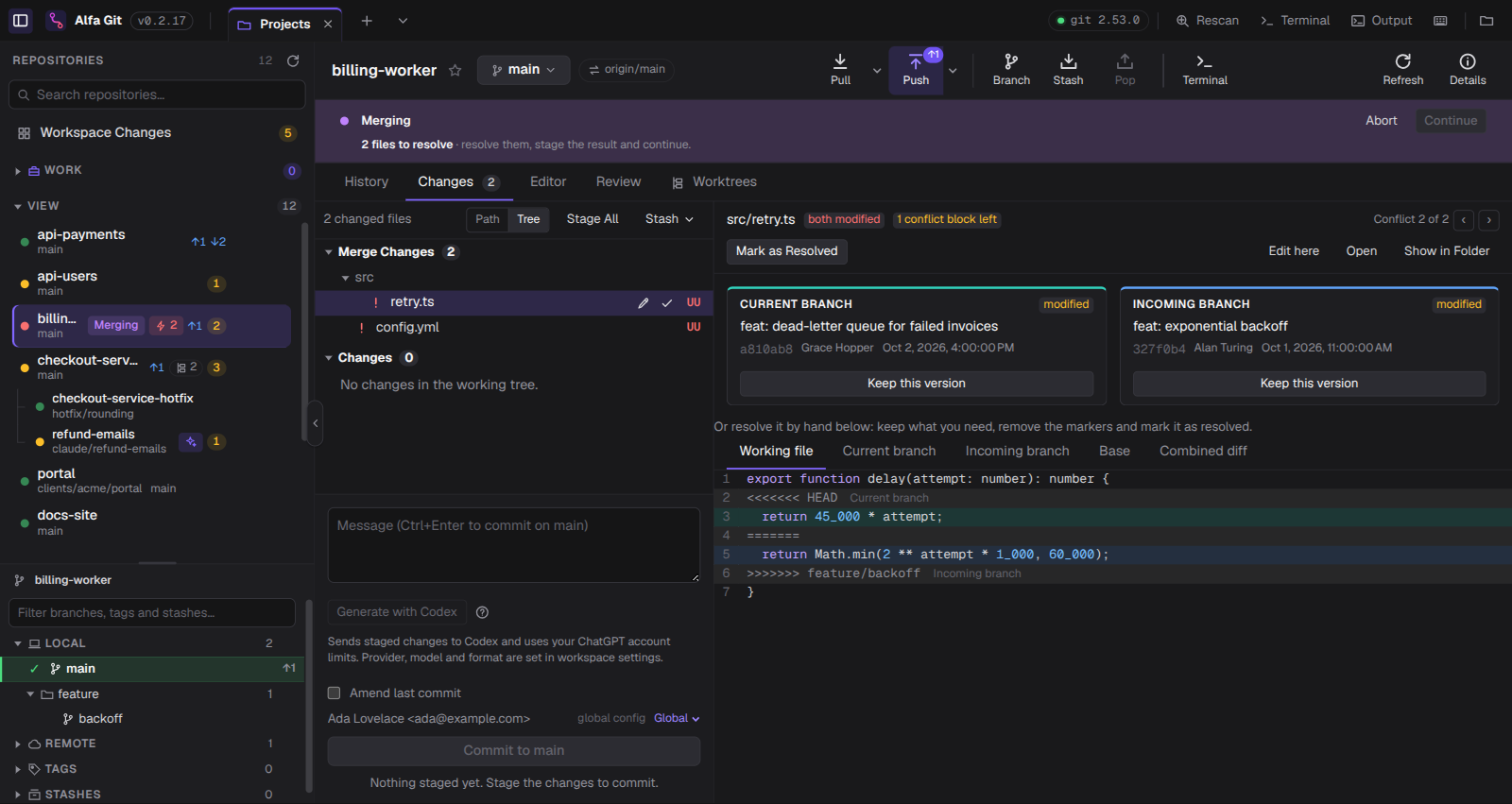
worktrees, submodules and nested repos included — with its own status. Workspace Changes
shows which ones have uncommitted work, conflicts or commits to pull, and Fetch All
updates them together.
Does it work with the worktrees Claude Code or Codex create?
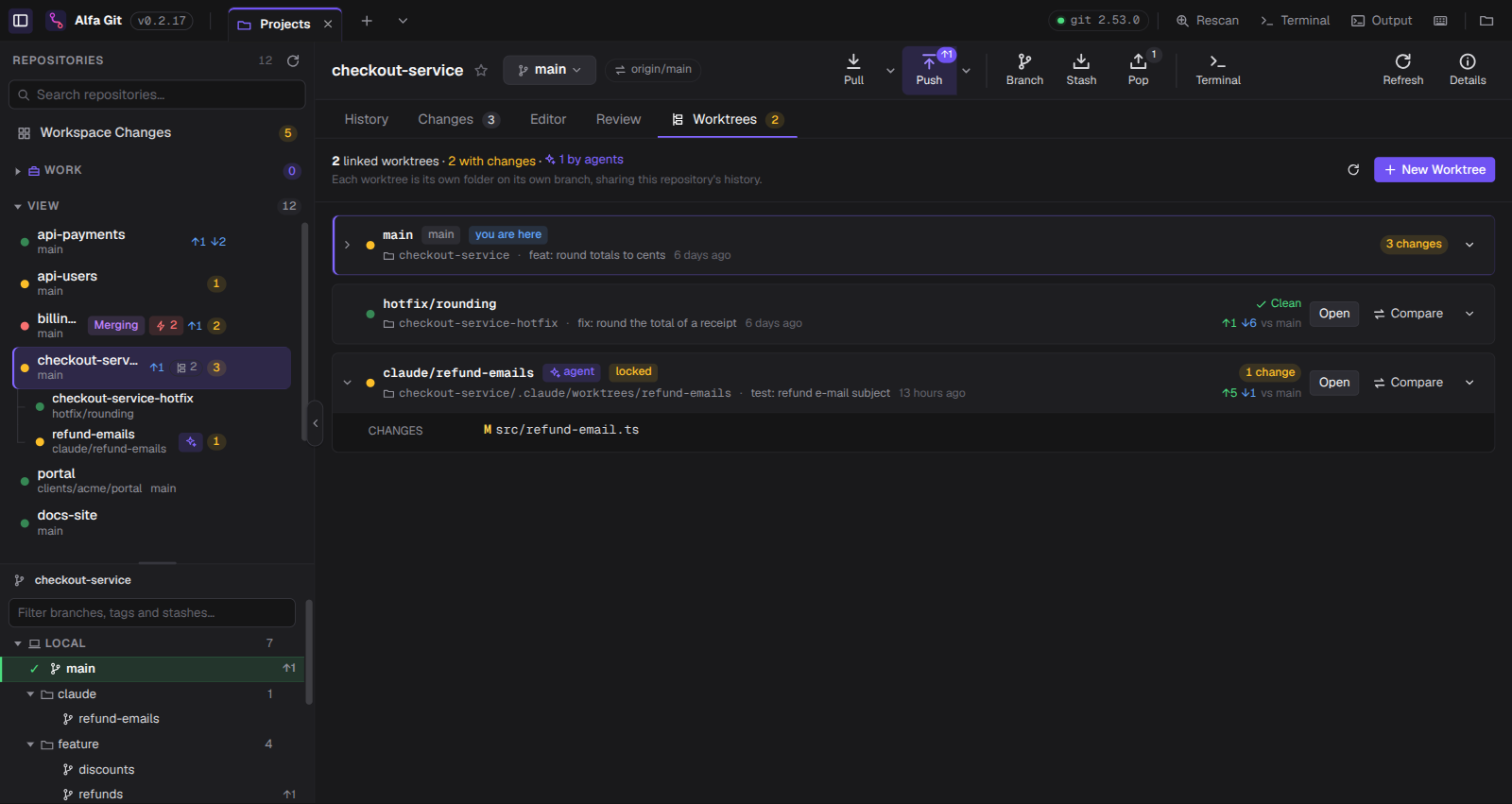
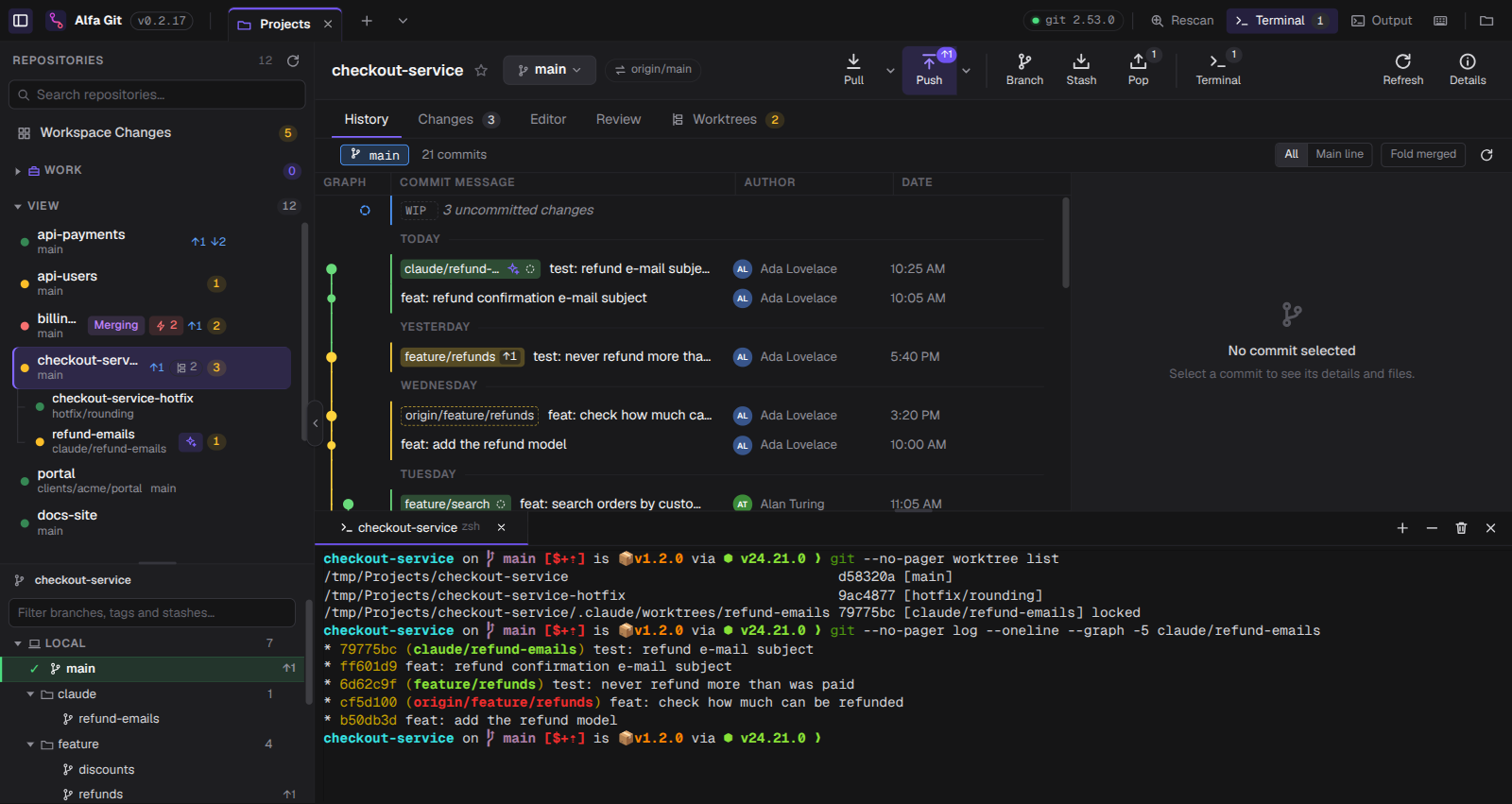
Yes. Coding agents usually work each task in its own git worktree, often outside your
projects folder (.claude/worktrees/…). Alfa Git finds them through the repository they
belong to, lists them under it in the sidebar marked as agent, and shows their changes so you
can review them before merging. The worktrees guide explains
how it all works.
Does it work with GitHub, GitLab and Bitbucket?
Yes. Alfa Git uses the Git installed on your machine, so it fetches, pulls and pushes to any remote
Git can reach — GitHub, GitLab, Bitbucket, Azure DevOps or your own server — with your existing SSH keys
and credential helper. There is nothing to sign in to.
How is it different from GitKraken, Fork or SourceTree?
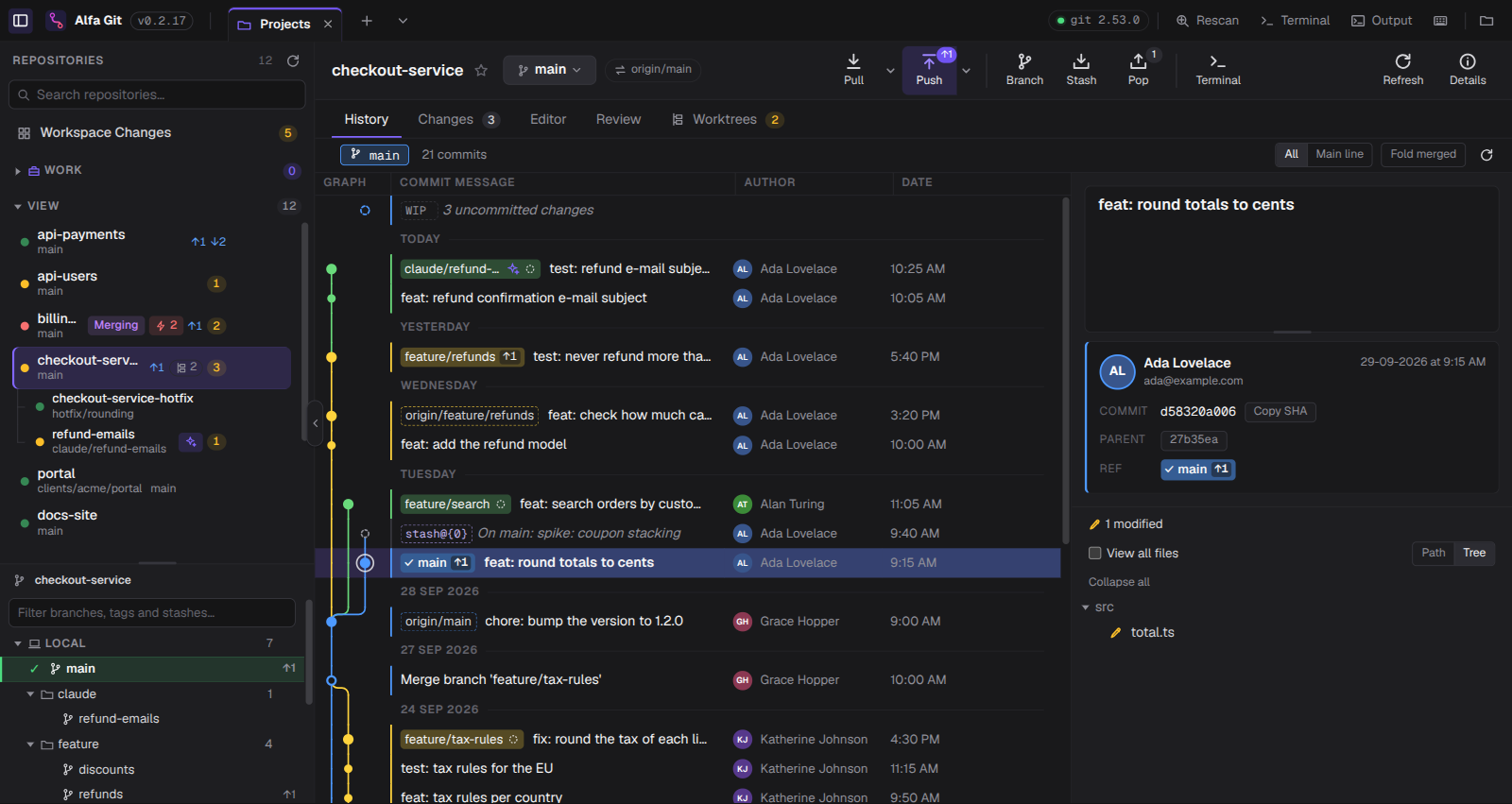
Those are great at one repository at a time. Alfa Git is built around a folder with many repositories:
it scans it once and shows the status of all of them together, then gives you a full client per repo.